Accessing The Library
There are two ways to access the library. The website or a mobile/desktop app. Both give you the same library and your progress should sync between them automatically but has been buggy in for me in the past. YMMV.
Open any browser and go to books.rosebromedia.org. No install required.
The apps should all support offline downloads and background playback. Check the Apps page for a few options.
Logging In
Both website or all sign in with the same username and password. The app asks for a server address which is the just the website link.
https://books.rosebromedia.org
The ABS official app does not need to include https, however I cannot say for other apps.
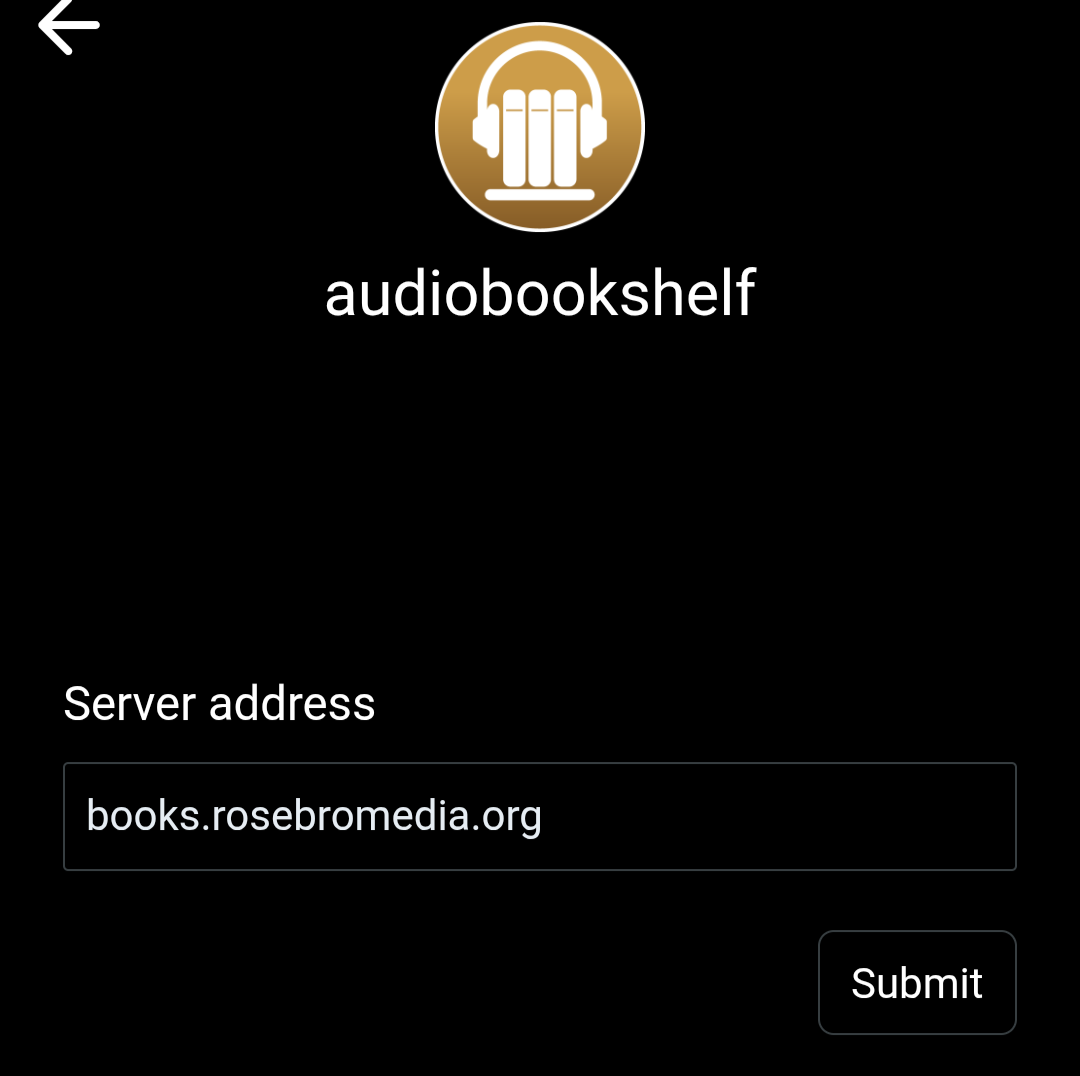
assets/login-screenshot.png
Downloading for Offline Use
The AudioBookShelf official app lets you download books directly to your device so you can listen offline. I'm sure most others do as well.
Additional info
- You can use other apps for playback, however you need to BE CAREFUL If you plan to do this, make sure to save your downloads to a folder outside the AudioBookShelf app's private storage(You can add a download target in the app).Files saved to the app's default internal storage will be deleted if you ever uninstall the app. This is for the official ABS app. I cannot verify anything on other apps.
- Playback won't sync when using another app. Progress, bookmarks, and playback position only sync back to the server when you listen through one of the AudioBookShelf apps. If you play a file in a third-party app like Smart Player then nothing will be tracked on the server.